How can we help?
Search
The Search Genealogy page helps visitors find people in your tree quickly.
Address: /genealogy/search/
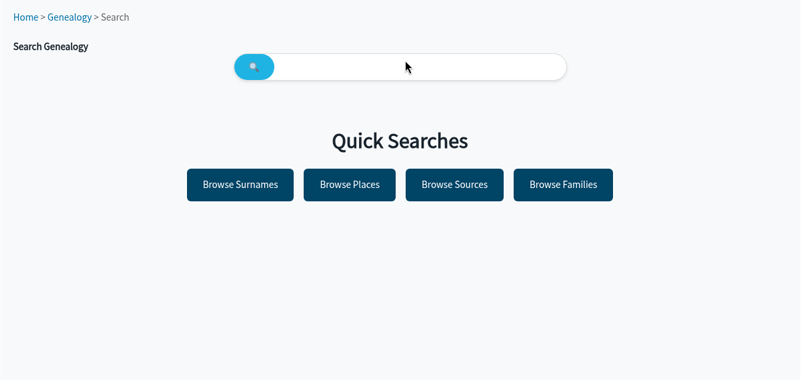
Search for someone
- Go to /genealogy/search/, or click the Search link on the Statistics page.
- Type a name into the search box.
- Run the search and click a result to open the person page.
Quick Searches
Below the search box, Quick Searches link straight to the index pages:
- Browse Surnames
- Browse Places
- Browse Sources
- Browse Families
Search from fun facts (Pro)
Some fun facts on the hub link to a ready-made search. For example, “One of 5 immigrants” opens /genealogy/search/?immigrant=1, listing immigrant ancestors.
Tips for visitors
- Try maiden names and different spellings.
- If you cannot find someone, browse by surname or place instead.
- Living and private people are protected, so their details are not shown to visitors.
Adding search to your menu
To make search easy to find, add yoursite.com/genealogy/search/ as a custom link in Appearance → Menus, next to your genealogy hub link.